
Bibata Ghost Cursor
156Free
Elevate your digital experience with the Bibata Ghost custom cursor—sleek, translucent, and minimalist, offering smooth navigation and a sophisticated style.
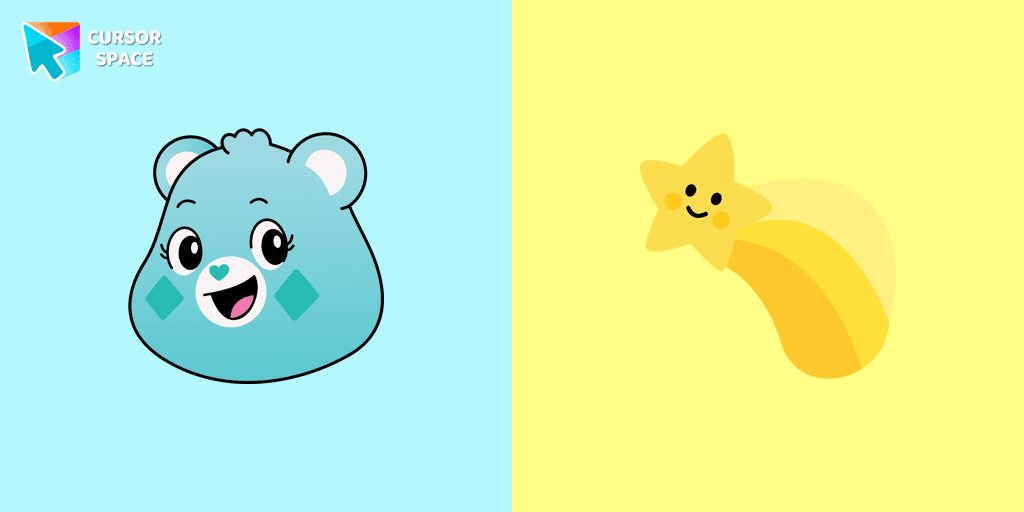
Wish Bear is one of the most magical and kind-hearted Care Bears, always ready to help make wishes come true. With her soft turquoise fur and signature Belly Badge—a cheerful yellow shooting star—Wish Bear symbolizes hope, dreams, and positivity. Whether you're making a small wish or dreaming big, she’s always there to encourage you to believe in the impossible.
Now, you can bring that same charm to your browsing experience with the Wish Bear cursor! This adorable custom cursor features Wish Bear herself, along with her iconic shooting star, making your mouse pointer stand out in a fun and colorful way. Perfect for fans of Care Bears and nostalgic cartoon lovers, this animated cursor adds a touch of magic to your everyday browsing.
Whether you're a longtime fan of Wish Bear, or you simply love cute cursors with a fantasy and retro style, this browser cursor is a must-have. Pair it with other characters like Cheer Bear, Grumpy Bear, Funshine Bear, Love-a-Lot Bear, and more to create your own Care Bears cursor collection.
Add some magic, rainbows, and stars to your screen today with the Wish Bear cursor—because every wish deserves a little sparkle!
Install the Cursor Space extension for Chrome or Cursor Space for Edge in your browser.
On this page, click "Add this cursor pack to the extension".
Open the extension and go to the Packs tab.
Find the custom cursor pack "Wish Bear cursor" and click it.
Enjoy!
Get this cursor pack and thousands of others by installing our extension. It's fast and free!
Wish Bear Cursor is a themed cursor pack you can add to your browser to personalize your pointer across common cursor states (default and pointer). Use it for everyday browsing, streaming, studying, or gaming-anywhere you want your cursor to match your vibe.
See how the cursors look before installing.
Add the pack to the extension in a few clicks.
Designed for Chrome and Edge via the extension.
Quick answers to common questions about cursor packs, collections, and installation.
Yes. To apply cursor packs in Chrome or Edge, install the Cursor Space extension and add this pack to it.
Cursor packs are designed for Chromium browsers like Chrome and Microsoft Edge.
Open the extension, choose another pack or disable the current one to return to your default cursor.
Custom cursor and packs - neon, anime, pixel art. Quickly add to Chrome and Microsoft Edge for free
Elevate your digital experience with the Bibata Ghost custom cursor—sleek, translucent, and minimalist, offering smooth navigation and a sophisticated style.
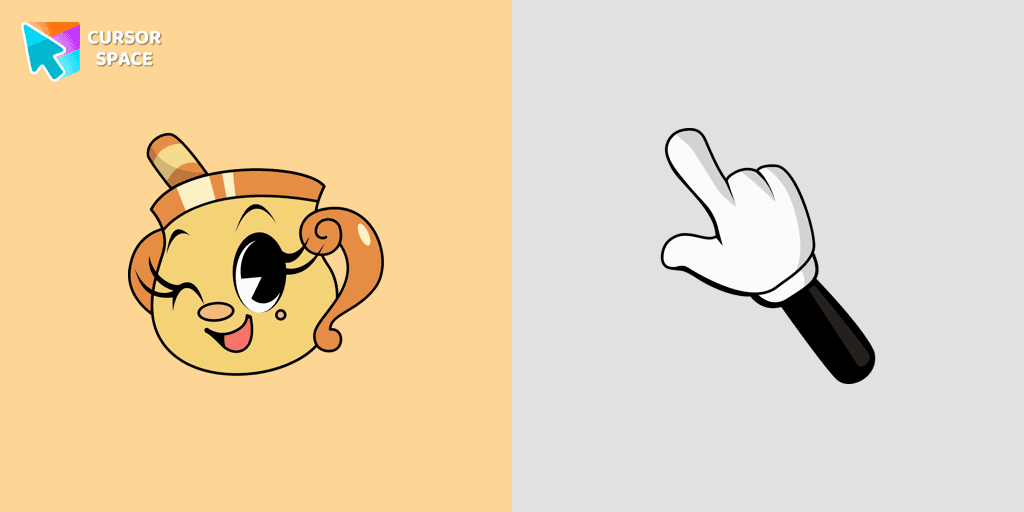
Experience the captivating Ms. Chalice custom cursor for Google Chrome. Inspired by the Cuphead game, this unique custom cursor brings Ms. Chalice to life in stunning detail
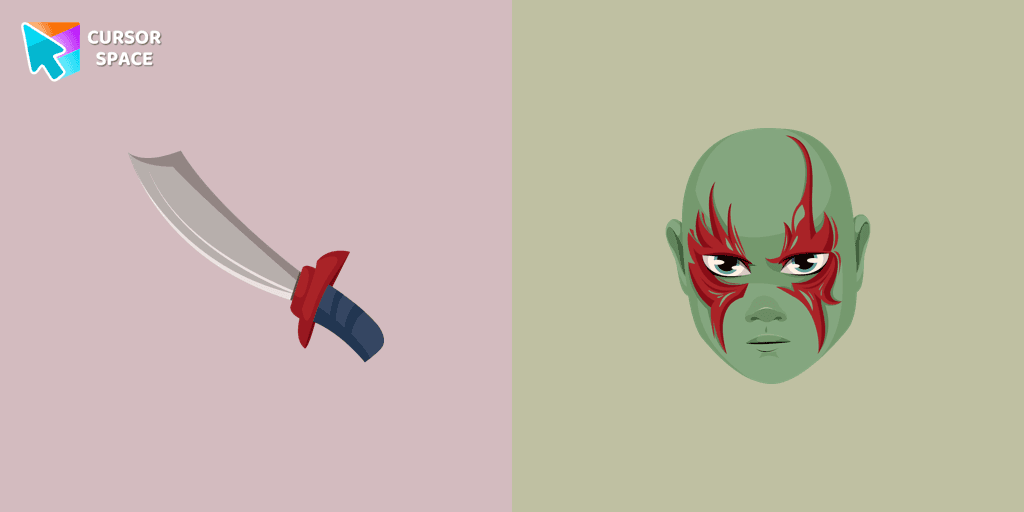
Transform your browsing with the Drax the Destroyer custom cursor for Google Chrome. Experience intense animations and the fierce spirit of this Marvel hero.

Enhance your desktop with The Ring custom cursor. Its sleek, animated ring design adds elegance and focus to your workflow.
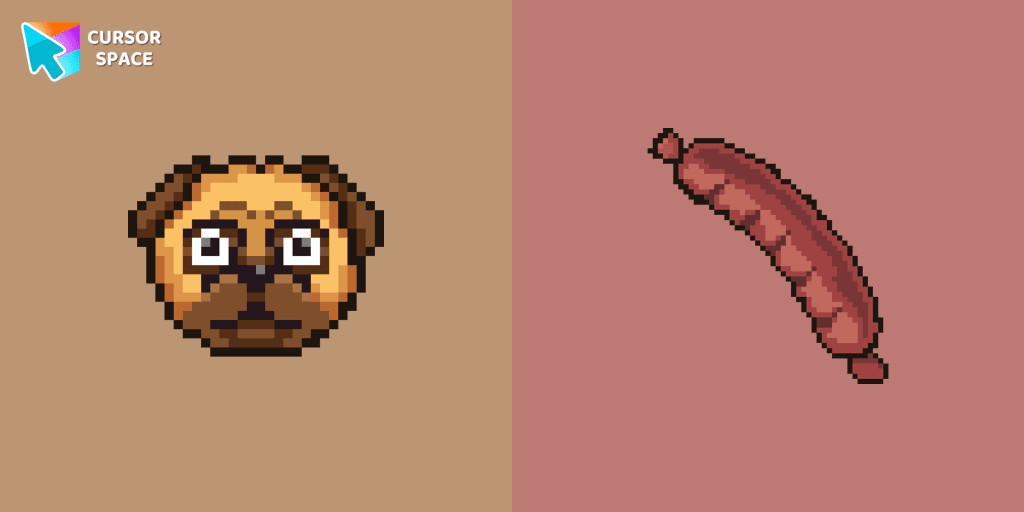
Custom cursors with Pug Pixel are a great option in a Cute Pixel cursor collection.
Upgrade your desktop with the Mechanical custom cursor, a sleek blend of technology and elegance for a futuristic browsing experience.
Transform your Chrome experience with custom cursors like Lightning and Star Wars themes. Add style and fun to your screen today!
Discover the allure of nature with The Grass cute cursor, a unique addition to The Cursors custom cursors collection.
Upgrade your browsing with the Flying Green custom cursor, featuring a sleek design and smooth flying animation for added elegance and excitement.
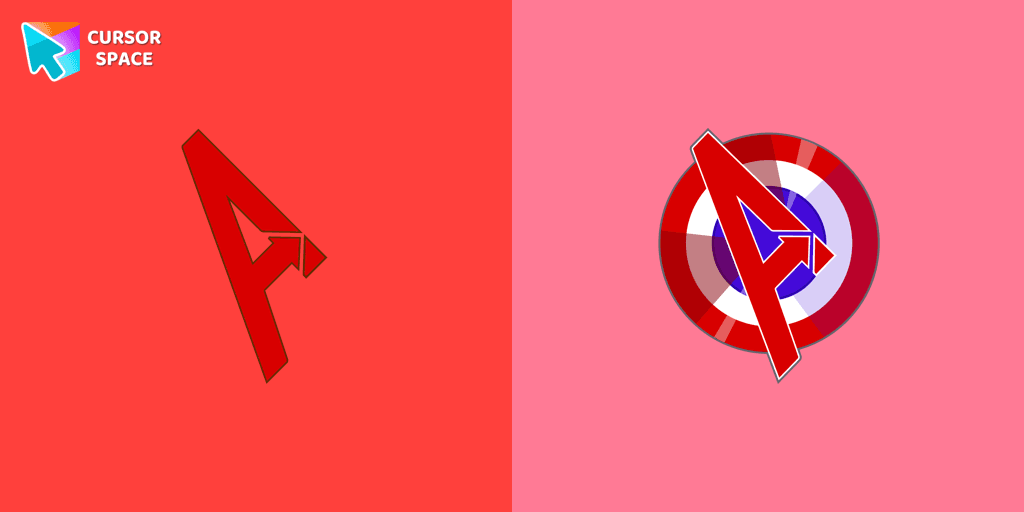
The Avengers custom cursor for Google Chrome lets fans bring their favorite superheroes to life. Personalize your browsing experience with these iconic cursors.
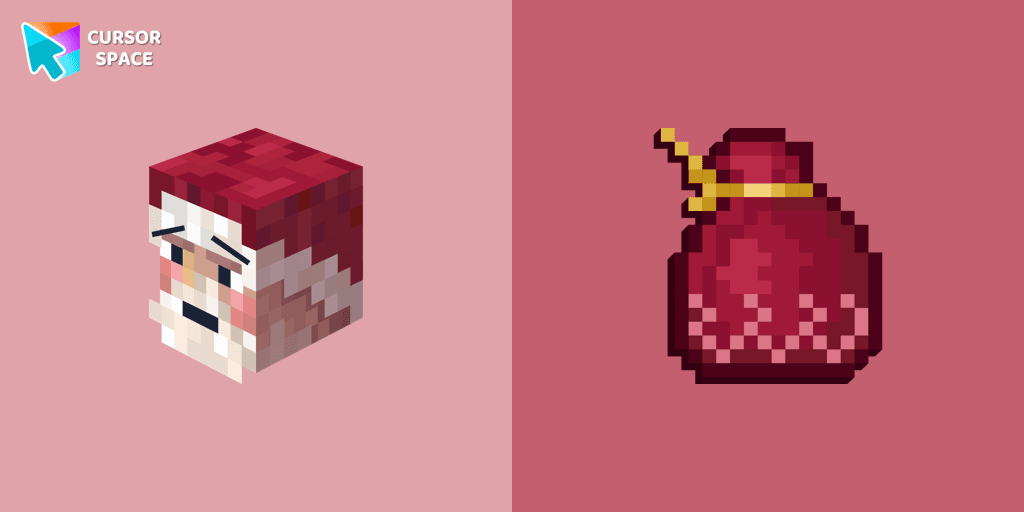
Improve your browsing experience with this playful custom cursor that turns your pointer into a cheerful Santa Claus, adding a festive touch. Embrace the holiday spirit!
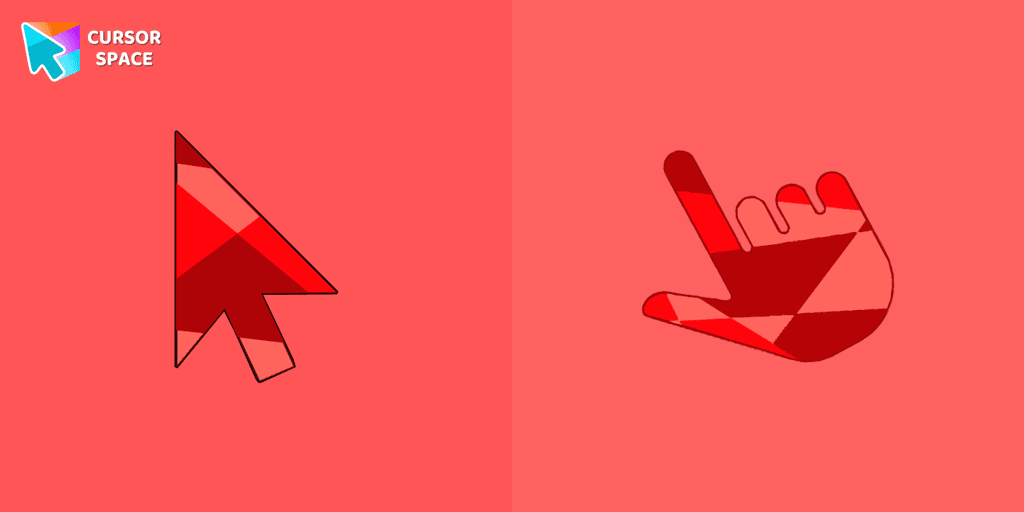
Ruby custom cursor for Google Chrome helps you track text input and operations in Ruby coding. Improve text processing and editing efficiency with ease.
Installation leaders from "Care Bears": free packs, neon/anime/pixel art, quick add to Chrome and Edge.
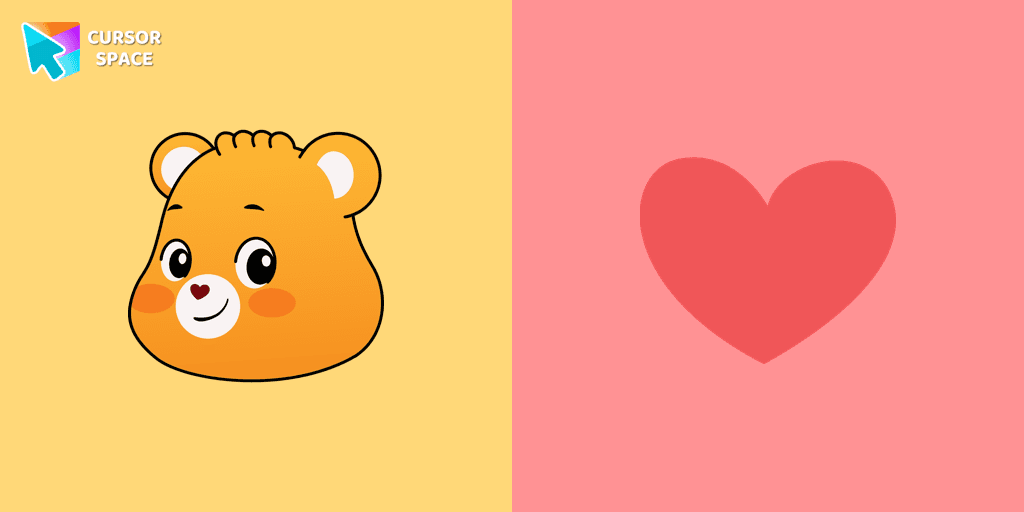
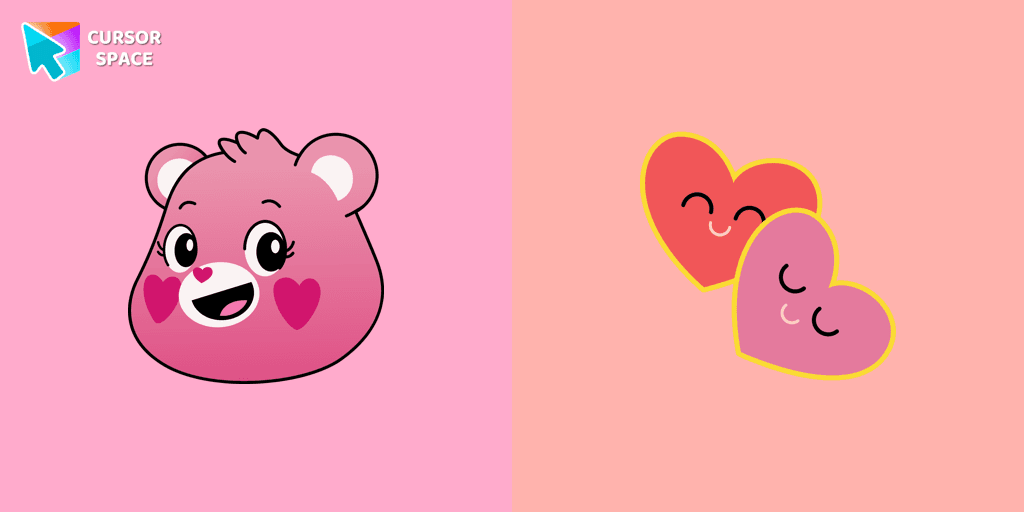
The Love-a-lot Bear custom cursor from our custom cursors collection for Chrome.
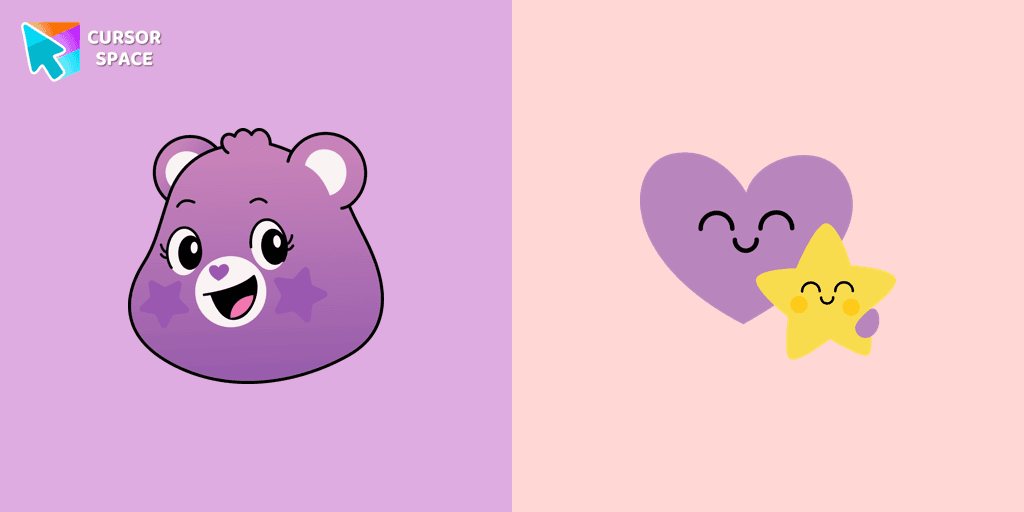
Featuring the iconic Care Bears character, this cursor adds a touch of charm and nostalgia to your screen.
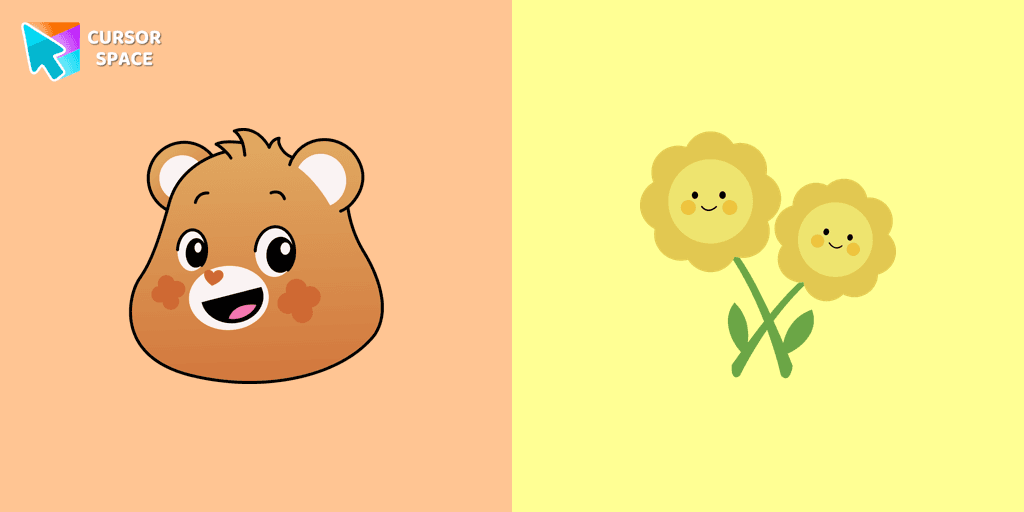
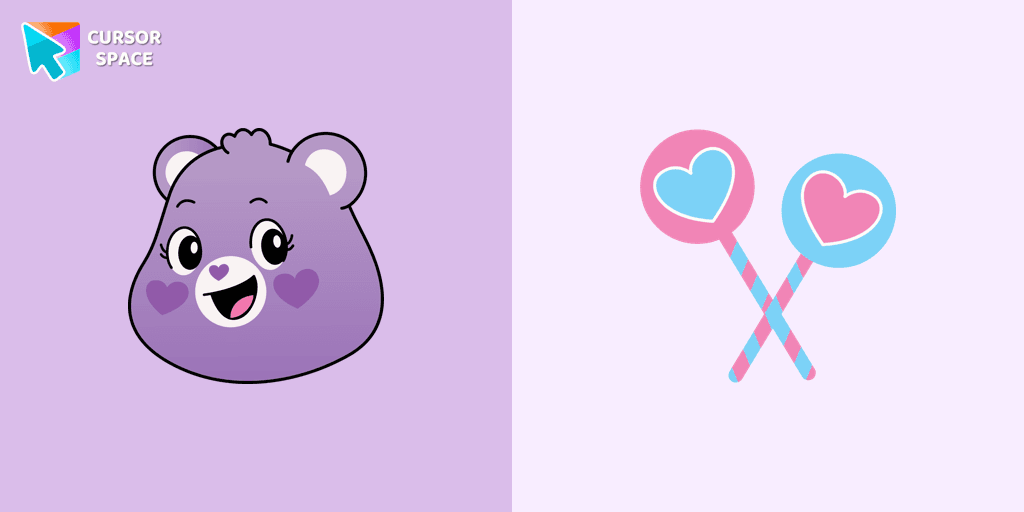
Smart Heart Bear custom cursor for the mouse is a pretty character in a Care Bears cursor collection for Chrome.
The True Heart Bear custom cursor brings charm and nostalgia to your browsing. Enjoy this adorable custom cursor for Google Chrome featuring the iconic Care Bears character.
Stay Connected with the Always There Bear Cursor - A Trustworthy Companion
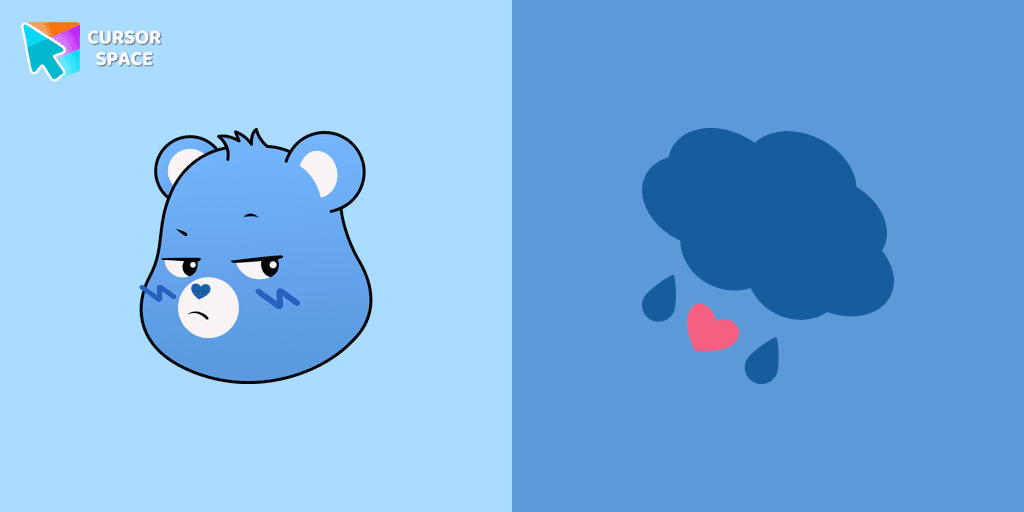
Grumpy Bear cursor for mouse and pointer in a terrific custom cursors collection for Chrome with Care Bears.
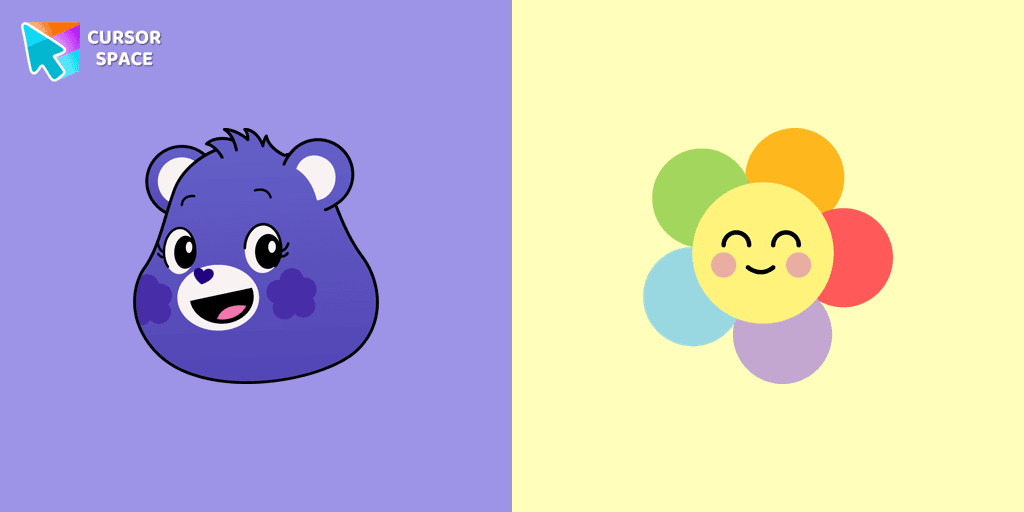
A fun Harmony Bear as a custom cursor for mouse and pointer with which we can spend many hours of fun.
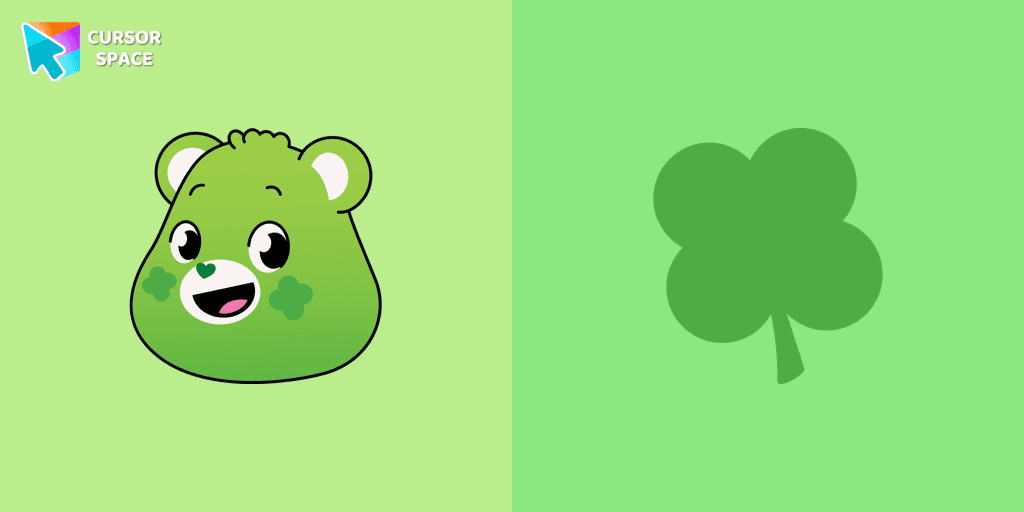
Care Bears for Chrome cursor set has a custom cursor Good Luck Bear as a pointing device.
Add packs instantly and unlock access to thousands of cursors: neon, anime, pixel-art, and more. Fast, safe, and free.
Cursor Space is an extension for changing your mouse cursor in Chrome and Edge browsers: themed collections, HiDPI icons, neon, animated, and pixel cursors, with quick installation.